Developer Networks
Build with GraphicStream technologies
GraphicStream library of technical articles, tutorials, and learning resources
GraphicStream is a software publisher and the publisher of Immersive. The Developer Network supports teams building with its products and technologies.
Get started
Essential resources
A curated selection for understanding the GraphicStream ecosystem and starting to build around Immersive.

Presentation of the Beholder interface
Quickly get your bearings in the Beholder by discovering how the screen is organized between 3D view, equipment list, alarms and menus. This chapter shows where to act, what to look for, and how to select equipment from both the digital twin and the side panels. You will immediately understand the meaning of the color codes and visual indicators to spot a defect, a disconnection or equipment under construction without wasting time. It also explains the role of 3D widgets, graphical objects, and annotations to read the field context more accurately. By the end, you'll be able to navigate the application smoothly and interpret the overall status of a fleet of equipment at a glance.
Read the resource
Hub: Overview
Understand in a few minutes how the Immersive Hub orchestrates data access between your applications and heterogeneous sources such as OPC UA, Excel, MQTT or SQL. This presentation shows concretely how the same mechanism unifies requests, updates and quality statuses, without exposing the complexity of the protocols. You will see the precise role of handles, sessions and connectors, and how the Hub distributes the right values to the right consumers at the right time. By reading, you will be able to model access to data, follow the life cycle of a session and understand how to connect or design a connector adapted to your needs. You will also be able to interpret error states, timeouts and fault reports to make monitoring and maintenance more reliable.
Read the resource
Binding: Introduction
Cette introduction vous montre comment relier proprement un objet de la scène 3D à un équipement métier Immersive, pour que données, états, alarmes et interactions pointent toujours vers la bonne cible. Vous comprendrez la logique du modèle objet, des familles, des instances, des handles et des scopes, sans rester au niveau théorique. La formation s’appuie sur un cas concret, BuildingSensorSimulator, pour apprendre à identifier les équipements à créer et à structurer un contrat de données fiable. À la lecture, vous saurez préparer un binding stable entre vue 3D et DOM, éviter les mappings fragiles et concevoir une base exploitable pour le scripting, l’UI et la supervision. C’est le point de départ indispensable pour bâtir un jumeau numérique cohérent, évolutif et fidèle au terrain.
Read the resourceExplore
Browse GSDN domains
Each shelving groups documents, guides and references for a single functional or technical domain.

Forge
Forge is the **integrated creation** environment of the Immersive platform. Designed for developers, integrators, merchants and trainers, Forge allows you to create, customize and deploy experiences for Immersive adapted to a multitude of use cases.
16 documentsForge Interface
Forge est l’environnement de **création intégré** de la plateforme Immersive. Conçu pour les développeurs, intégrateurs, comemrciaux et formateurs, Forge permet de créer, personnaliser et déployer des expériences pour Immersive adaptées à une multitude de cas d’usage.
0 documentsBinding
Binding concepts and guides.
1 documentArticles
Technical articles and transversal topics.
1 documentCommons
Common setup and shared fundamentals.
0 documentsConnaissances de base
Explore the guides, references and examples for this domain.
1 documentHub
The Immersive Hub is the heart of the Immersive solution's data infrastructure. It is the universal intermediary between: * Data sources: IoT sensors, PLCs (OPC UA, Modbus, MQTT, etc.), Excel files, SQL databases, REST APIs, etc. * Consumers: Beholder 3D applications, supervisors, web synoptics, or any other business service. The Hub acts as an **conductor**: It centralizes heterogeneous data from multiple protocols, synchronizes useful values with client applications in real time, and ensures consistency and reliability of information for monitoring and maintenance.
4 documents
Rest Frontage
y
19 documents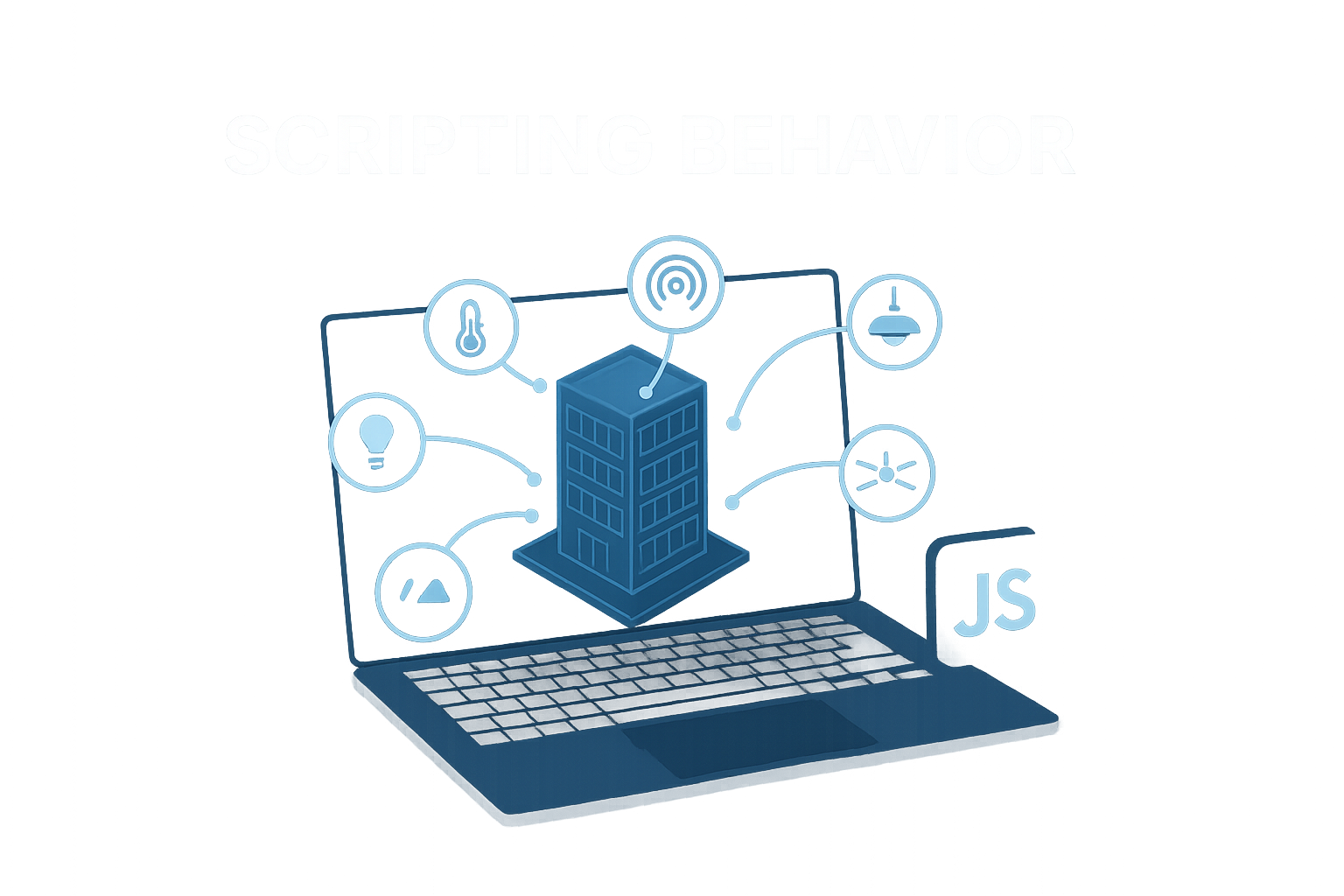
Scripting
Learn how to bring your plan to life by reacting to the data received and offering an interface tailored to the needs of your users.
16 documentsDiscover
Continue exploring
Resources selected at random from the library to reveal more possibilities offered by Immersive and GraphicStream technologies.

SSO under Immersive
This training shows you how to set up SSO in Immersive in a clear way, from the prerequisites to the first functional case. You will understand the role of SSO in the architecture, the configuration points to master and the exchanges to be planned with external services. The document also helps you to quickly identify technical constraints, frequent errors and validations to be carried out before going into production. At the end, you will be able to prepare the environment, configure the solution, implement a simple scenario and adapt the integration to a concrete business need.
Discover
Immersive Security Overview
This document provides a clear and operational view of Immersive security on the client, administrator, and security officer side. You will understand how organizations, users, groups, and devices are isolated, and how permissions, inheritances, and prohibitions are actually evaluated. It also details key roles, automatic rights, temporary sharing, and rules that avoid gaps between resources or between server instances. Upon reading, you will be able to explain why access is granted or denied, structure a consistent administration, and anticipate the impacts of a change in rights. It is also a useful basis for auditing traceability, securing sharing practices, and better managing a multi-instance environment.
Discover
Mass Equipment Instantiation (Excel)
Save time on the creation and maintenance of your Immersive equipment by industrializing instantiation via Excel. This tutorial details the expected structure of the file, the fields that are really essential and the logic of the handles to avoid identification or display errors. You will understand how to correctly fill in references, types, paths and categories, including for fixed values without connection to the hub. It also explains step by step how to import into Enhancer, how to read the preview of changes and the rules for updating or replacing handles. At the end, you will be able to prepare a reliable file, import in bulk and secure your evolutions without recreating your equipment manually.
Discover
Map Drawing
This module teaches you how to build a 3D plan that can be used in Forge, from the layout of structures and areas to detail adjustments. You'll learn how to pose, rework, and correct an outline, manage vertices accurately, and quickly create reusable shapes. The course also shows how to cut openings, add points without breaking a line, and take advantage of snapping to achieve reliable right angles, parallels, and alignments. By the end, you'll be able to model a building or site cleaner, with geometry that is clear, consistent, and easy to scale.
Discover
My Building - Temperature and Humidity Sensors
This demo shows how to bring together two physical sensors, temperature and humidity, in a single "Room" device to offer a more natural reading in the digital twin. You will see how to display the temperature directly in the 3D bubble, with a clear format, a readable unit and the right level of accuracy. The tutorial also explains when to use the Excel configuration and when to prefer JS scripting to finely customize the rendering of the measurements. Finally, it details the creation of a calculated fault to trigger an alert as soon as a critical threshold is exceeded. In the end, you will be able to structure your sensors, improve the readability of the data and strengthen the supervision of your parts.
Discover