From your site to a visual working tool.
Immersive brings maps, data and applications together to make a place easier to understand and operate. Explore what the solution includes and how its software works together.
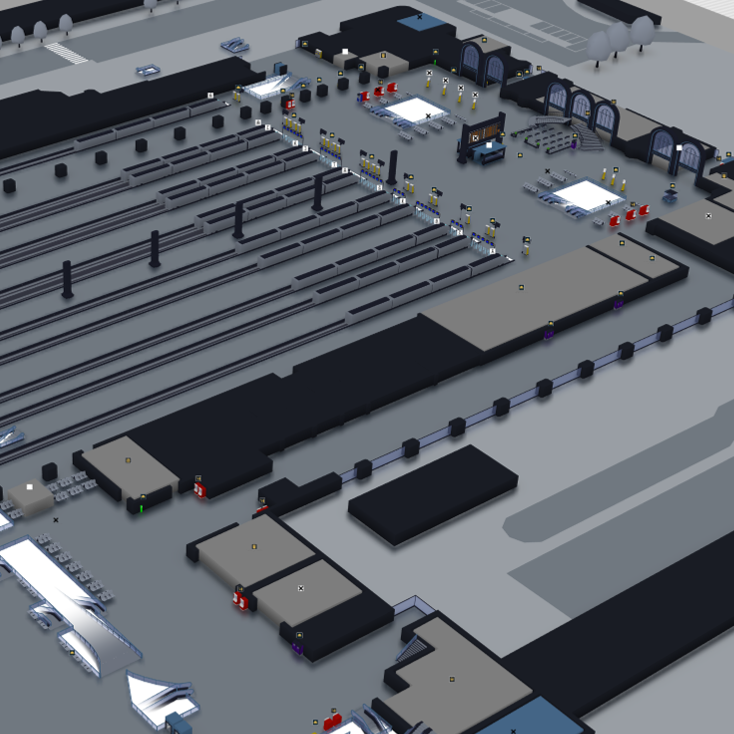
A representation of your places, connected to your operations.
Immersive is a 2D and 3D mapping software solution. A building, floor, factory or group of sites becomes a clear map showing the spaces, equipment and points of interest relevant to your work.
Connecting information and status data from your systems turns this representation into an operational digital twin. The map then helps you understand what is happening, find information and access the functions you need to act.
The place
Maps describe where spaces, objects and equipment are located.
The information
Data provides context: identity, status, availability, events or alarms.
The use
The application turns that information into monitoring, guidance, booking or collaboration functions.
Three steps connecting the map to the field.
The solution has five software components: Forge for creation, the Immersive server for sharing and integration, and Beholder, Compass and Flex Office for end-user applications. You combine them to suit your project.
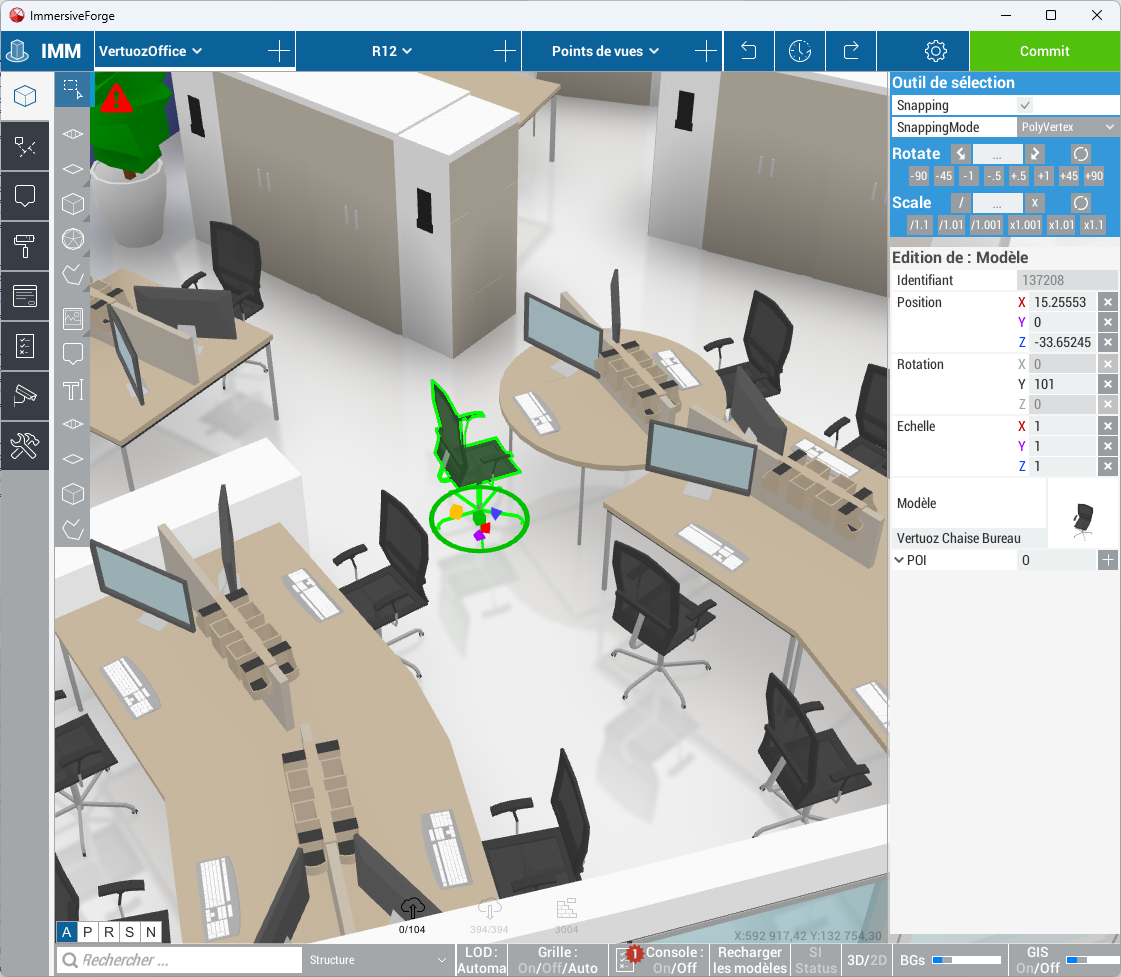
Create and maintain the map with Forge
In Forge, you build and enrich the site representation: spaces, objects, equipment, points of interest and related information. You prepare the maps that will be used in 2D or 3D.
The map can evolve with the site: new equipment, a reorganised space or a point of interest to move. The editor lets you maintain the representation instead of rebuilding an application for every change.
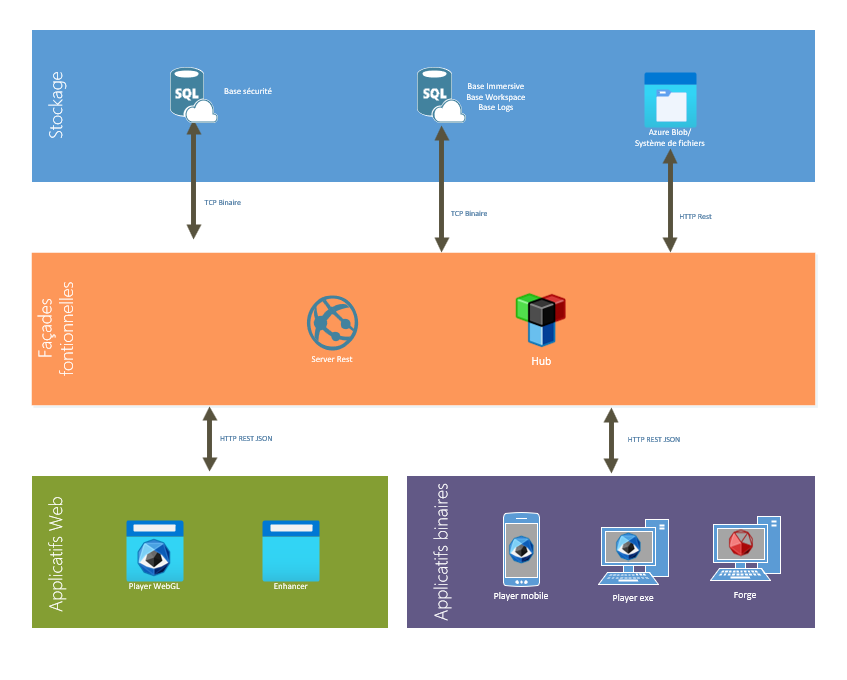
Share maps and connect data
The Immersive server, also called RestFrontage, is the service layer between applications and data storage. It centralises content and exposes OData services and Web APIs to access, administer and integrate it into your information system.
Data from your reference systems, applications and equipment can then be linked to map objects. Exchanges and updates are configured around your sources, access permissions and operational needs.
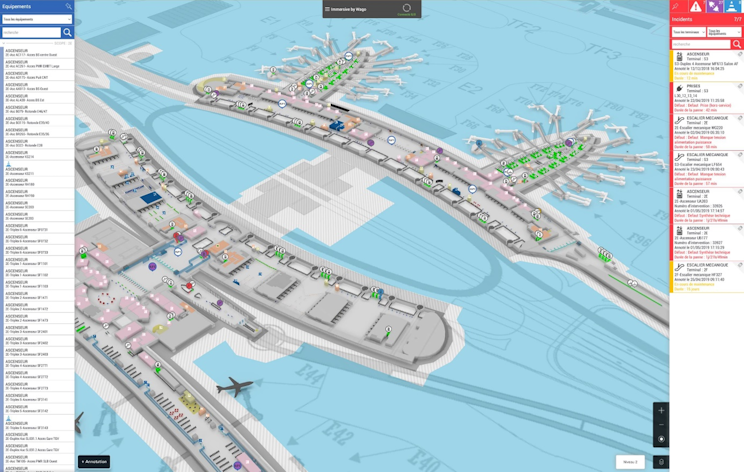
Give each user the functions they need
Beholder monitors sites and equipment. Compass helps users find a destination and follow a route. Flex Office supports space booking and management. Each application uses the map through an interface tailored to its purpose.
The same maps can also enhance your own applications through the SDK and APIs. Teams can then access site information in their working tools for tracking, maintenance, operations and collaboration.
A useful map must remain easy to use.
Creation, display and integration are designed to support teams at their desks and in the field.
Simplicity
Forge simplifies map creation and maintenance. Content managers can update maps without developing a mapping application themselves.
Lightweight design
Representations are designed to limit memory, processing and transfer requirements, for use on PCs, tablets or smartphones according to the project.
Readability
The 2D or 3D view places information in its spatial context, helping users quickly understand a place, route or operational situation.
Ease of operation
Web applications are accessible in a browser without a dedicated client installation. Applications and hosting can be chosen to suit your devices and operating requirements.
Extensibility
APIs and the SDK let you integrate Immersive maps, data and functions into other tools and add applications tailored to your operations.
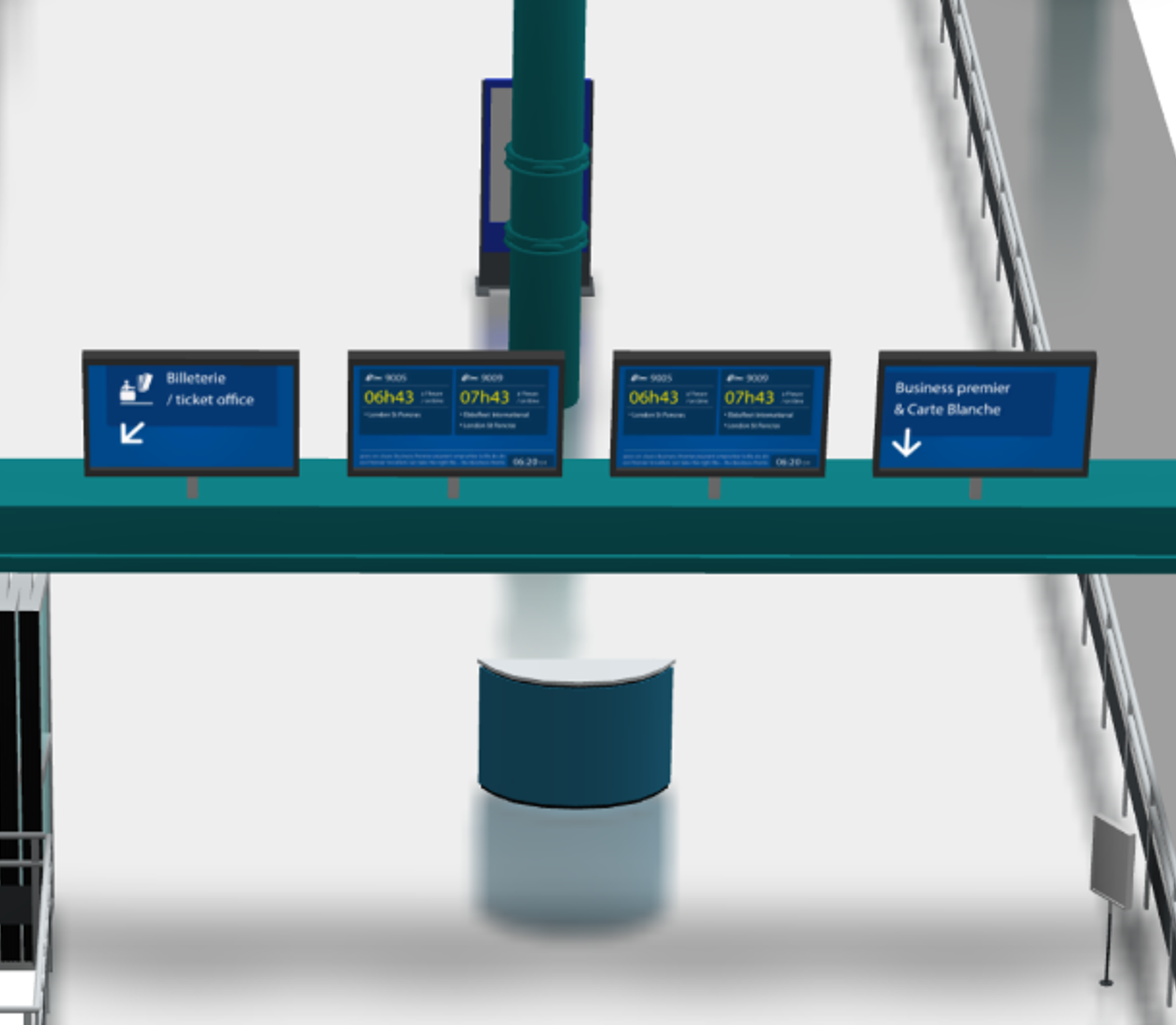
Keep the solution working in your environment.
The editor and interfaces are designed to reduce learning time. Maps can be maintained by people who know the site, while technical teams handle connections and extensions.
Lightweight tools, standard exchange formats and data reuse help control deployment and maintenance effort. That effort depends on the maps to prepare, the systems to connect and the selected applications.
Cloud or company infrastructure
Services can be hosted in the cloud or on the company’s physical or virtual servers.
Centralised data
The application, service and storage architecture supports shared content and controlled access across applications.
Progressive integration
Start with a site or use case, then expand maps, connections and functions as needed.
Your project
See Immersive with your own data.
Tell us about a site, a floor plan or an operational need. We will show you the most suitable implementation approach.